Article: From Screen to Silk: 3 Tips for the Perfect Custom Print
From Screen to Silk: 3 Tips for the Perfect Custom Print
We’ve all been there: you design something beautiful on your phone or laptop, but when it arrives in the mail, it looks... different. Maybe the colors are dull, or the image is blurry.
At KNC PRINTS, we want your designs to pop exactly how you imagined them. Here are three "insider" tips to ensure your next order is perfect:
-
Mind the Resolution: For a crisp print, always use high-resolution files. If your image looks "pixelated" or grainy on your screen when you zoom in, it will likely look that way on a t-shirt or poster too. Aim for 300 DPI whenever possible!
-
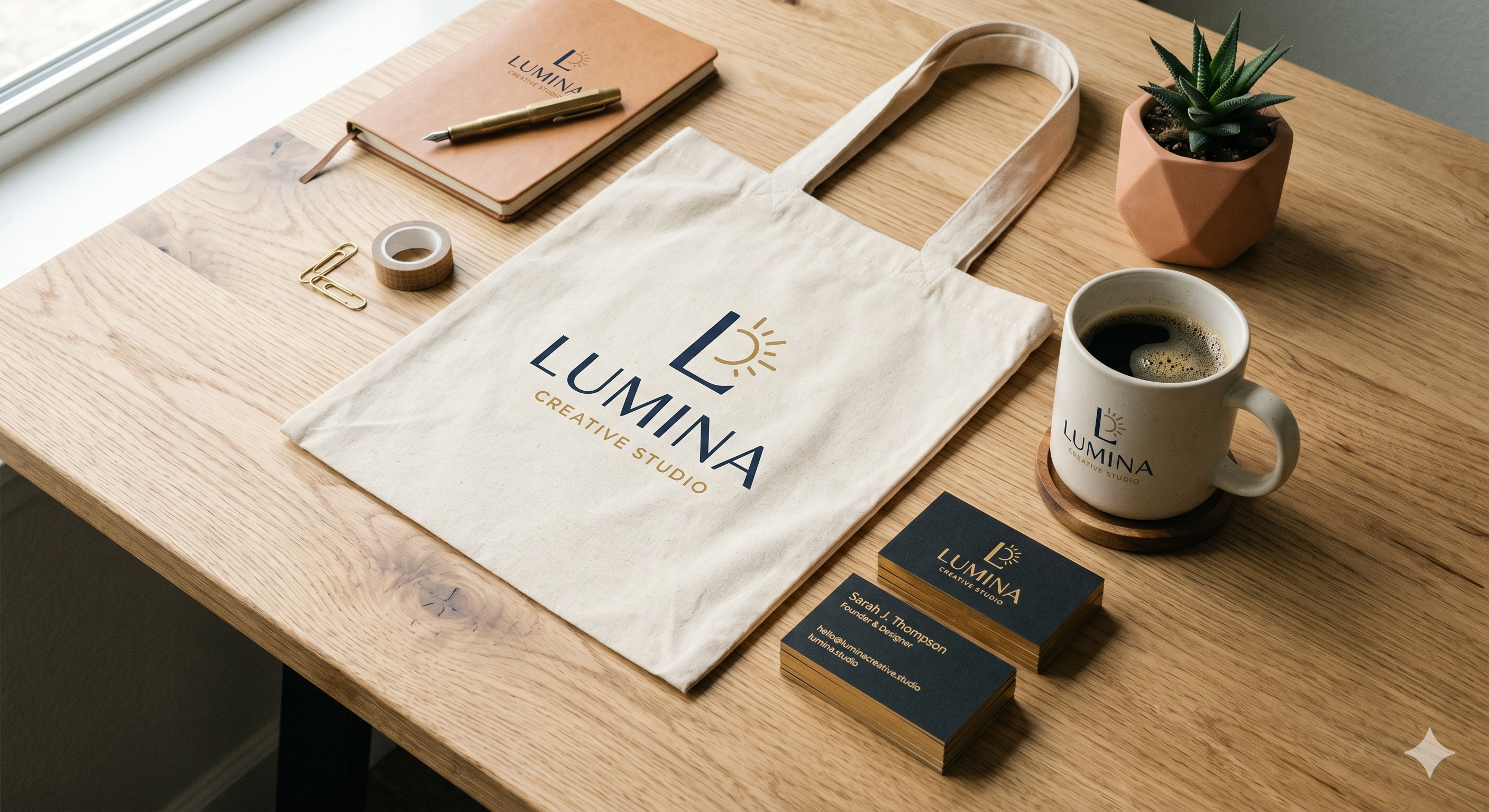
The "Bleed" Secret: When designing business cards or flyers, keep your important text away from the very edge. This "safe zone" ensures that nothing gets cut off during the precision trimming process.
-
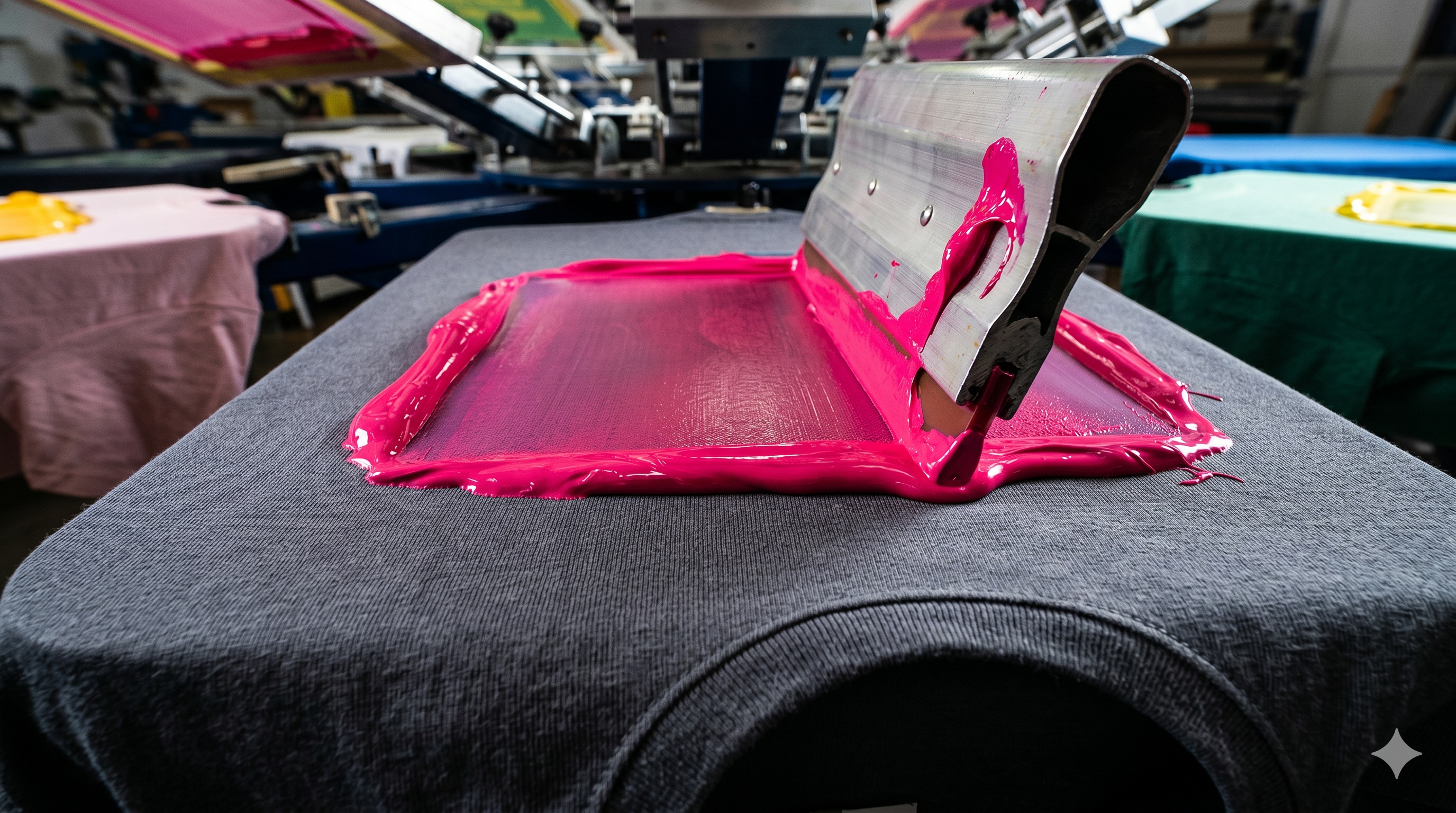
Colors & Lighting: Remember that screens use light (RGB) to show colors, while printers use ink (CMYK). If you’re designing something very bright, it might look slightly more "matte" on fabric—which often gives it a more premium, professional feel!
Need help with a design? Our team is always here to look at your files and make sure they’re "print-ready" before we hit start.